Home golf simulators: what to buy, and what to measure first
Most disappointing home setups fail on the mat and the ceiling height, not on the launch monitor. Buy ten hours at a commercial venue before you spend thousands in a garage.
In brief
- Measure the ceiling with a club in your hands, then subtract a foot.
- A hard mat lets the club bounce into the ball and rehearses a strike that fails on grass.
- Ball data is enough for scoring; club data earns its cost only with a coach.
- The highest-value session is a carry chart for the whole bag.
- In a northern winter the real comparison is not with a range, it is with nothing.
Home simulators have gone from a rich man’s toy to a realistic winter purchase, and they are one reason total golf participation in the United States hit an all-time high of 48.1 million in 2025. Here is how to think about the money, because the launch monitor is only part of it.
The single most useful thing to know before reading any review: most disappointing home setups fail on the mat and the space, not on the measuring device. Golfers research the monitor for three months and buy the mat in an afternoon, and then wonder why the numbers do not match reality.
What you are actually buying
Four components, and they can be bought separately, which is the reason the category is confusing.
A launch monitor that measures the ball. Software that draws a course and keeps score. A screen and enclosure to hit into, or just a net. And a mat to hit off.
The measuring device is where the price splits. Cheaper units track the ball by radar from behind or optically at impact; premium units add club-delivery data such as path and face angle. For scoring, entertainment and distance control, ball data is enough. For lessons and swing changes with a coach, club data earns its cost.
The software is a separate decision and often a separate subscription. Course libraries, ball flight models and the feel of a simulated round differ noticeably between platforms, and the one you enjoy is the one you will use.
The space question, first
Before spending anything, measure three things: ceiling height, width and depth.
Ceiling height is the killer. A tall player with a driver needs roughly ten feet, and a garage at eight feet limits you to wedges and short irons forever. That may be fine, since irons and wedges are where the scoring is, but it should be a decision rather than a discovery.
Measure with a club in your hands rather than with a tape alone. Take your normal swing, have somebody mark the highest point the clubhead reaches, and then subtract a foot for safety. The number of drywall repairs in American garages every January is not small.
Width matters for a left-handed player sharing the space with a right-handed one, and depth matters because radar units need room behind the ball while camera units do not. Check the manufacturer’s stated minimums before committing to a room.
The mat is not an accessory
A cheap mat is the fastest route to a sore wrist and a false picture of your strike.
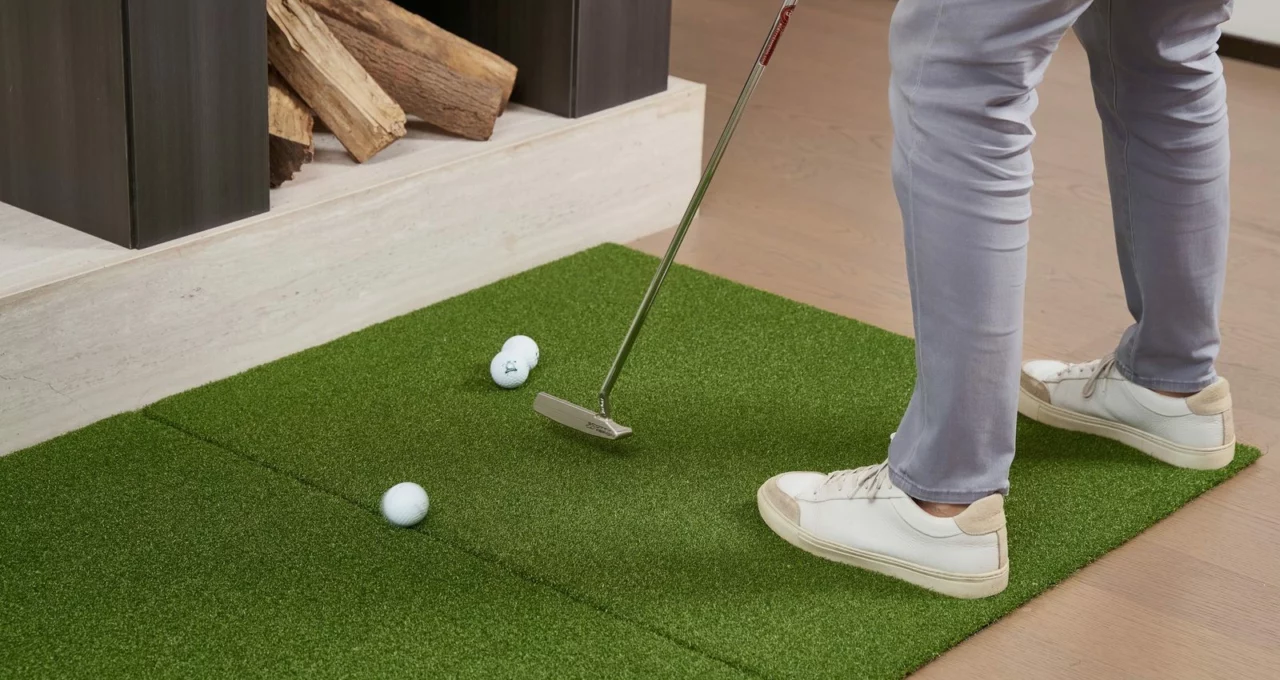
The mechanism is simple. A thin mat over concrete does not let the club dig, so a shot struck an inch behind the ball bounces into it and produces a decent-looking result. On grass that same shot is a chunk. A golfer practicing all winter on a hard mat is rehearsing a strike that will not work in April, and getting sore joints while doing it.
Spend more here than feels reasonable, choose a mat that allows the club to dig slightly, and put something with give underneath it. This is the component that most affects whether the winter improves your golf or degrades it.
Three realistic budgets
| Level | What it includes | Good for |
|---|---|---|
| Entry | Portable launch monitor, net, good mat, tablet | Winter swing maintenance and a carry chart |
| Middle | Monitor, impact screen, projector, enclosure, good mat | The setup that actually gets used, because it is enjoyable |
| Premium | Club and ball data, ceiling-mounted projector, dedicated room | Lessons and genuine swing work |
Prices move fast in this category and vary by retailer and season, so compare current listings rather than any figure printed anywhere, including here. What does not change is the ratio: the monitor is rarely more than half the total once the room is finished.
How to actually use it
A simulator makes you better only if you use it for one thing at a time.
An hour of driver-bashing to watch the number on the screen produces a golfer who hits a good driver in April and everything else worse than in October. The screen rewards distance, which is the one thing an amateur should not be optimizing indoors.
Build the hour deliberately: ten minutes warming up with a wedge, twenty on a single technical point, twenty hitting to varied targets with varied clubs, ten playing a simulated hole where every shot counts and there is no second ball.
The highest-value use of all is the carry chart. One session recording carry with every club, indoors, in controlled conditions, gives you the numbers you have been guessing at for years, and it is worth the whole purchase on its own.
One caution on those numbers: a mat flatters iron strikes and indoor air is not course air, so use the chart for gaps between clubs and check the absolute numbers outdoors in spring.
What it does for a northern winter
The honest case for a home setup is not that it makes you better than a range session. It is that it happens.
A golfer in Minnesota or upstate New York has four or five months with no realistic access to grass. The choice is not between a simulator and practice, it is between a simulator and nothing, and arriving in April having maintained a swing rather than rebuilt one is worth a month of the season.
It is also, for a household, an argument that works: the room gets used on weekday evenings, by more than one person, in weather that rules out everything else.
The alternative: pay per hour
Before spending thousands, buy ten hours at a local simulator venue.
You will learn whether you actually enjoy indoor golf, which not everybody does, and which data you use versus ignore. A great many players discover after ten sessions that they want a portable launch monitor and a net in the garage rather than a room, at a tenth of the cost.
Indoor simulator centers have spread through most American cities in the past few years and are typically booked by the hour, often with a commercial-grade monitor more accurate than anything in the consumer price range.
Where to try and buy in the U.S.
Two large U.S. golf retailers keep consumer launch monitors in store and will let you hit with one before buying, which is worth an hour. A national sporting goods chain carries the mainstream models, and the manufacturers sell directly with return windows long enough to test properly at home.
For the room itself, the specialist simulator retailers sell packages including enclosure, screen, projector and mat, which removes a great deal of guesswork about compatibility. Compare the package against the components bought separately, since the difference can go either way.
For trying the software, a commercial venue is the only realistic route, and the course library and ball flight feel are worth an hour of your time before you commit to a platform.
Panxis Golf has no commercial relationship with any manufacturer, retailer or venue mentioned here and earns nothing from your purchases.
Before you buy
- Measure your ceiling with a club in your hands, then subtract a foot for safety.
- Buy ten hours at a commercial venue before spending thousands at home.
- Try the software you are considering, because the platforms feel different.
- Budget the mat and the enclosure as seriously as the monitor.
- Plan the sessions before the room is finished, or it becomes a driver-bashing booth.
A simulator will not give you a 300-yard drive. It will tell you honestly whether your 7-iron carries 150 yards or 135, which is the number that actually decides scores.